
Last updated November 15, 2026
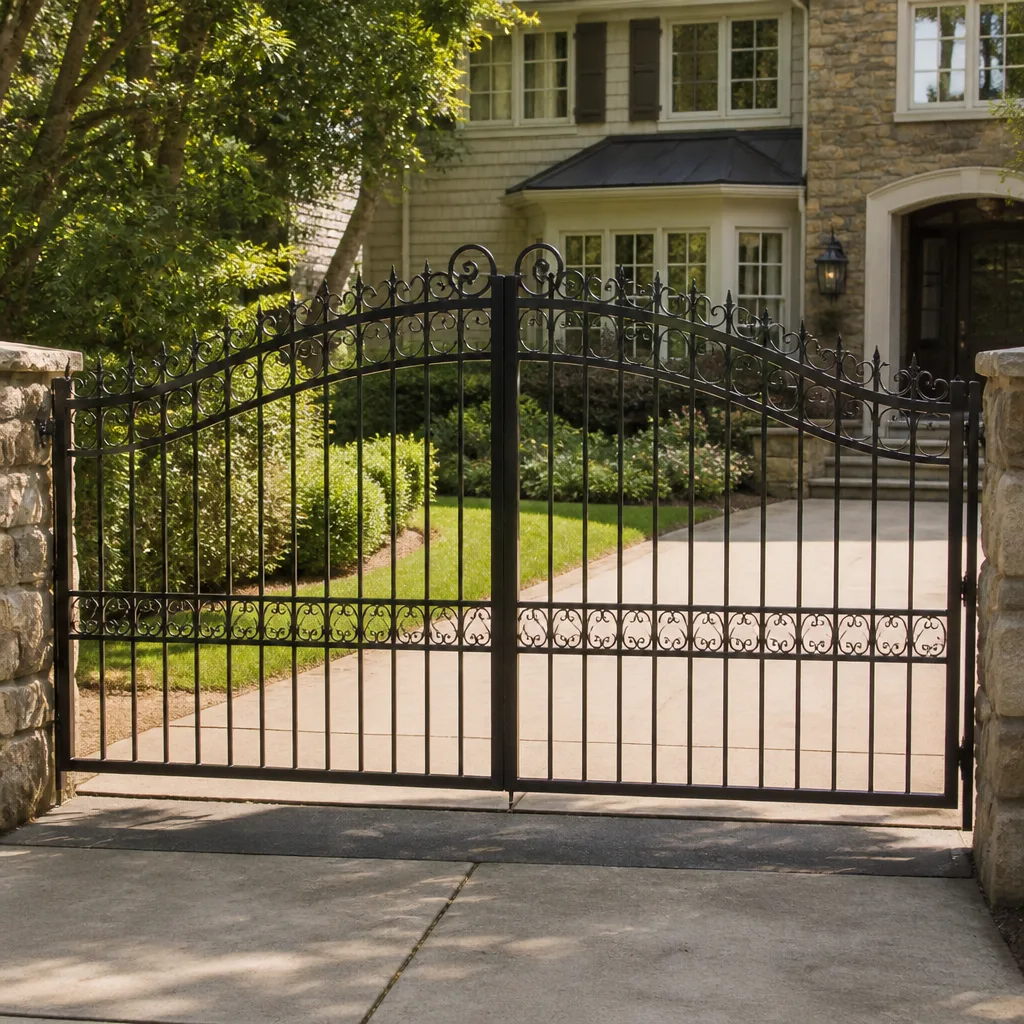 Wrought iron
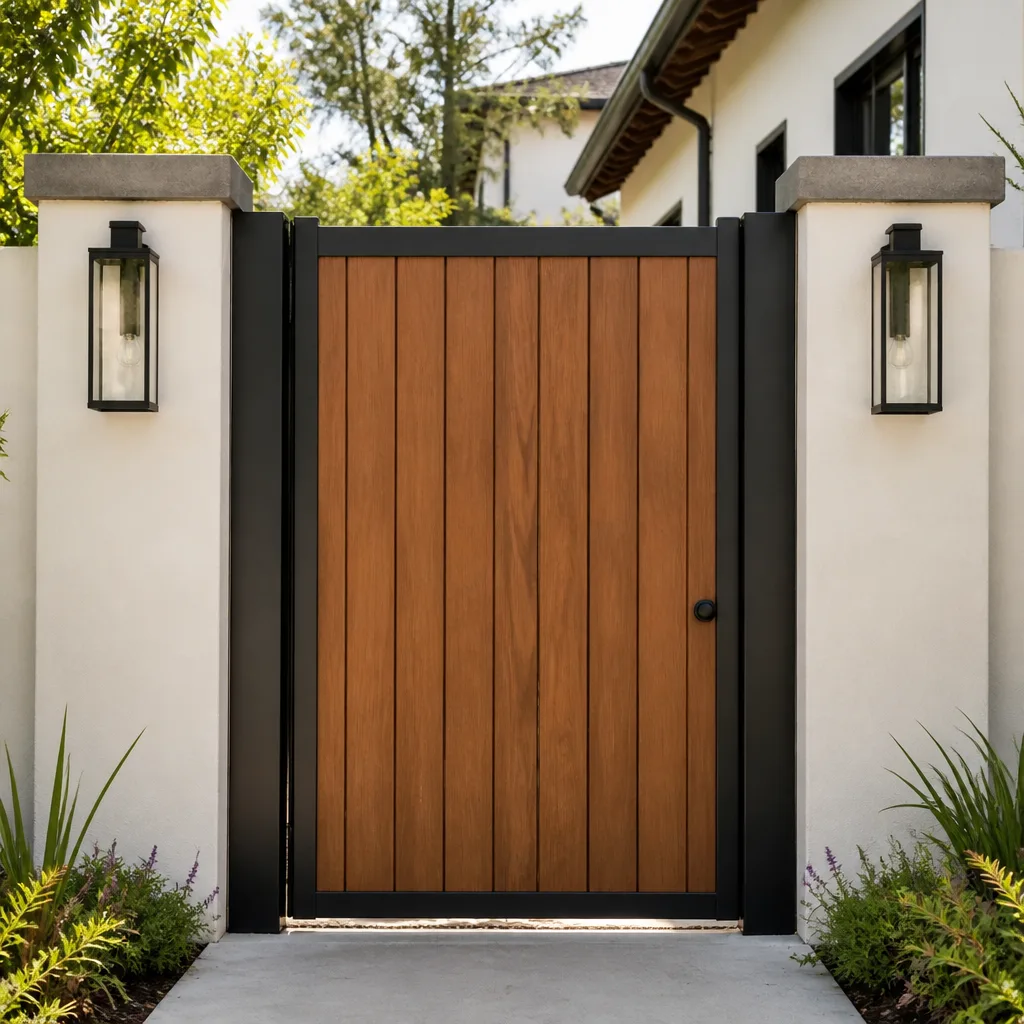 Wood & steel frame
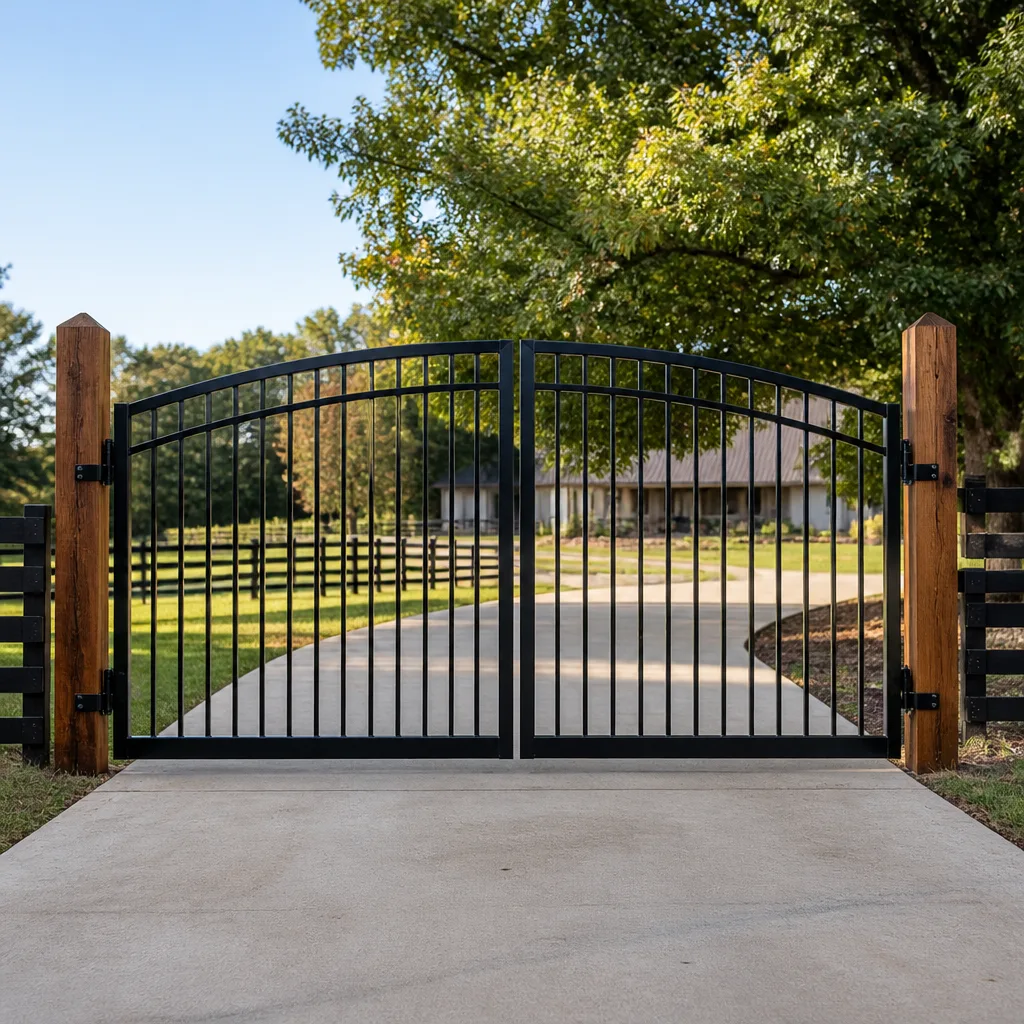 Farm & ranch
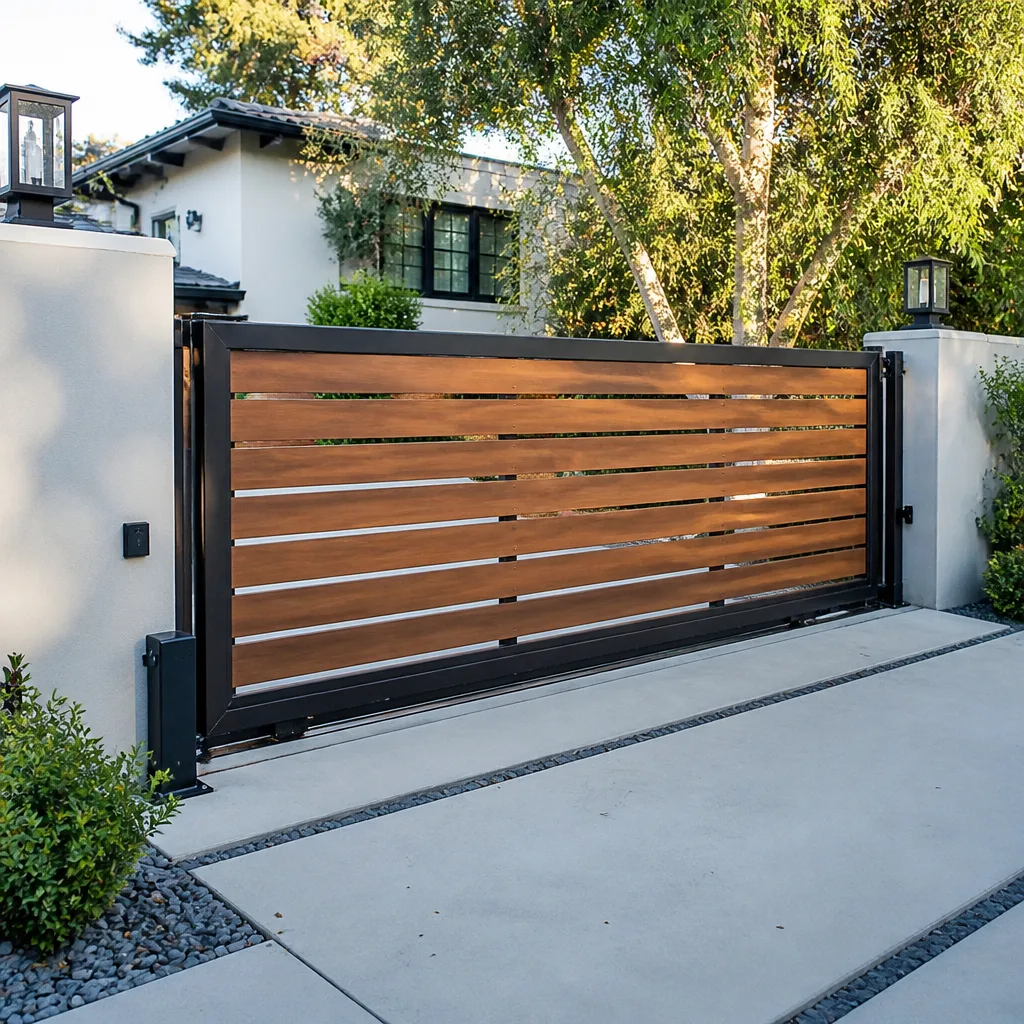 Sliding driveway gates
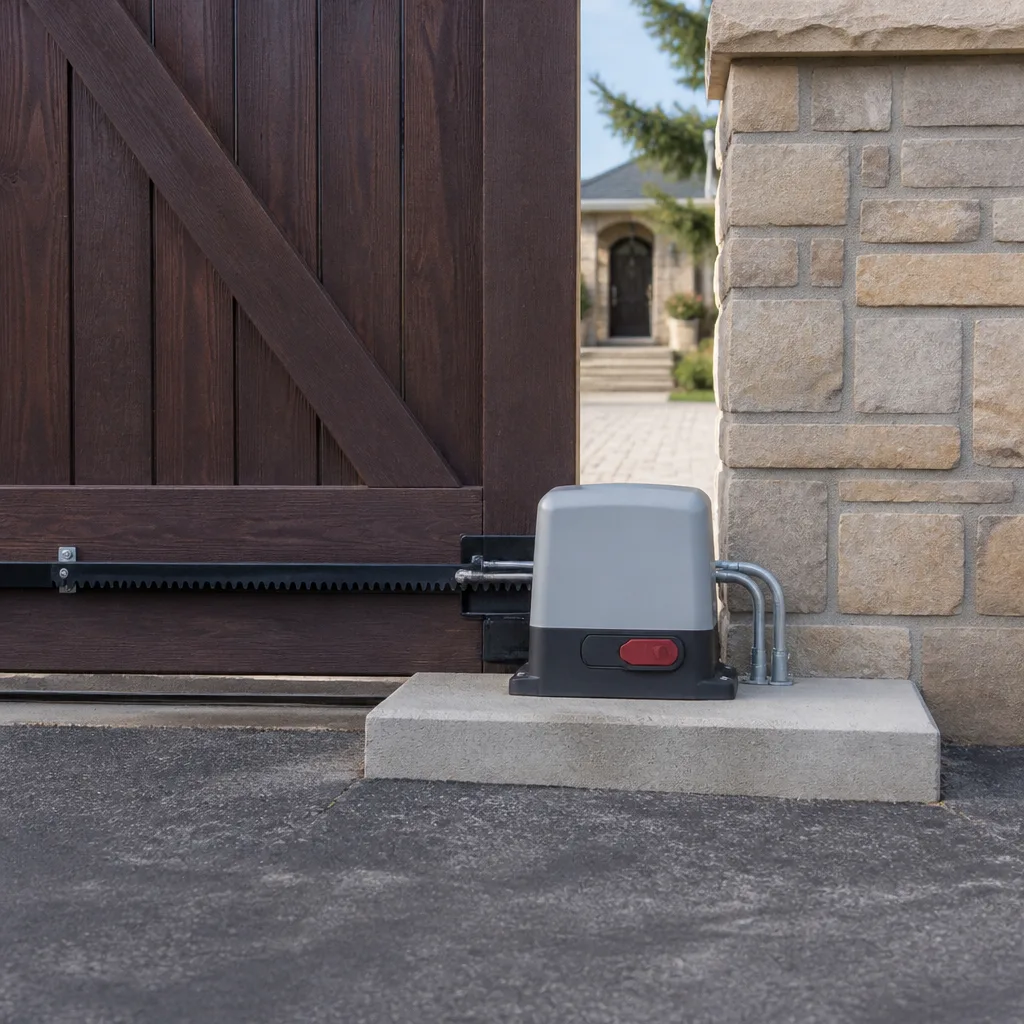 LiftMaster operators
Free on-site gate assessment - hinges, posts, and your LiftMaster or Nice gate operator checked before anything is quoted
The assessment is free and the quote is the invoice.
Get your free estimateGate Repair Troubleshooting in Enterprise: Common Problems and How to Fix Them
A gate that reverses halfway through its cycle and a gate that won’t budge at all have almost nothing in common. Yet most troubleshooting guides lump them into the same “check the power, check the remote” advice. That’s the wrong starting point. Every gate failure leaves a signature: a sound, a timing pattern, a specific place where the motion stops. Read the signature and you’re already halfway to the cause. This guide maps the symptoms Enterprise homeowners and property managers actually describe to the mechanical or electrical failures behind them, so you know what’s wrong before anyone touches the gate. We cover swing and slide gates, manual and electric systems, and the brands you’re most likely to own.
Quick Answer
Most gate problems fall into four buckets: operator or motor failure, control board failure, sensor or limit-switch misalignment, and mechanical wear on the gate leaf, track, or hinges. The symptom tells you which bucket you’re in. A gate that reverses mid-travel is almost always a sensor or limit-switch issue, not a dead motor. A gate that won’t move at all with no response from the remote usually points to power, the control board, or a safety circuit. A gate that grinds or drags is mechanical. Sorting the symptom before you call saves time, money, and misdiagnosis. In Enterprise, desert heat adds its own layer to every one of those categories.
Styles & brands we work with
- Wrought iron
- Wood & steel frame
- Farm & ranch
- Sliding driveway gates
- LiftMaster operators
Table of Contents
- The Symptom-to-Cause Matrix
- Motor, Control Board, or Sensor: Telling the Three Apart
- Limit Switches in Swing and Slide Gates
- How Desert Heat Affects Your Gate in Enterprise
- Remote Works, Keypad Doesn’t: Access Control Problems
- Mechanical Failures: Grinding, Sagging, and Off-Track Gates
- Which Failures Can Wait Overnight and Which Can’t
- Brand-Specific Quirks Worth Knowing
The Symptom-to-Cause Matrix
Match the symptom first, then work the cause. In our experience, this single step eliminates most of the guesswork. Here’s how the common failure modes map to their likely sources.
- Reverses mid-cycle: Sensor misalignment, an obstruction in the safety beam, or a limit switch set too far in. Almost never the motor.
- Won’t move at all, no remote response: Power interruption, tripped breaker, dead battery in the operator, or a failed control board.
- Won’t latch or close fully: Limit switch out of adjustment, warped gate leaf, or a misaligned strike or catch on a manual gate.
- Grinds or scrapes on movement: Track wear, debris in the track, worn rollers on a slide gate, or hinge and pivot wear on a swing gate.
- Remote works but keypad doesn’t: Access control wiring, a keypad power issue, or a receiver channel problem, not the operator itself.
- Moves slowly or strains: Failing motor, low hydraulic fluid, or a mechanical bind in the gate leaf.
- Opens partway and stops: Limit switch, encoder fault, or a control board that’s lost its travel calibration.
Each of those rows points to a different technician skill and a different repair path. A homeowner in Enterprise who can name the symptom on the phone gets a faster, more accurate diagnosis than one who says only “my gate is broken.”
Motor, Control Board, or Sensor: Telling the Three Apart
These are three different failures with three different fixes, and confusing them wastes money. A motor replacement, a control board replacement, and a sensor alignment are not interchangeable repairs. Here’s how to distinguish them before you assume the worst.
- Listen for the motor. If you hear the motor running but the gate doesn’t move, the motor is likely fine and the problem is mechanical or in the drive train. If you hear nothing at all, the issue is upstream: power, control board, or a safety circuit that’s holding the gate.
- Check the safety circuit. Most electric gates have a photo-eye or safety edge that stops or reverses the gate if something is in the path. If the beam is blocked, misaligned, or has a dirty lens, the gate behaves as if there’s an obstruction. Cleaning and realigning the sensors resolves a surprising share of “dead gate” calls.
- Look at the control board lights. Most operators have diagnostic LEDs on the board. A board that shows no power, a fault code, or flickering indicators is telling you something specific. This is where brand knowledge matters. A DoorKing board and a Ghost Controls board report faults differently, and reading those indicators correctly is what separates a real diagnosis from a guess.
- Test the manual release. Disengage the operator and move the gate by hand. If it moves freely, the mechanical side is sound and the problem is electrical. If it binds or drags, you have a mechanical issue that will stress any operator you put on it.
That manual-release test is the single most useful thing a homeowner can do before calling. It splits the entire problem into two clean halves. If your gate passes the test and still won’t run, electric gate repair is the right call, because the fault is in the operator, the wiring, or the access system rather than the gate itself.
For property managers in Enterprise running multiple gates, the same logic applies at scale. If two gates on the same loop fail at the same time, suspect a shared power or control issue rather than two coincidental motor failures.
Limit Switches in Swing and Slide Gates
Limit switches tell the operator where the gate is supposed to stop. When they drift, the gate either stops short, over-travels, or reverses as if it hit an obstacle. Before you assume the motor is dead, test the limits. This is one of the most common misdiagnoses we see, and it’s usually a cheap fix compared to a motor.
On most swing and slide operators, limit switches are mechanical contacts or magnetic sensors set at the open and closed positions. Over time, vibration, temperature swings, and normal wear move them out of alignment. The symptom is distinctive: the gate runs normally for part of its travel and then stops, reverses, or keeps pushing past where it should.
Here’s how to think about testing them:
- Note exactly where the gate stops. If it always stops at the same point, that’s a limit switch signature, not a random fault.
- Check for physical obstruction first. A stone, a warped panel, or debris in the track can mimic a limit problem.
- Inspect the switch itself. Look for corrosion, loose mounting, or a bent actuator arm. Don’t adjust the switch unless you’re confident in the travel range, because a limit set too far can damage the gate or the operator.
Adjusting a limit switch sounds simple, and on some systems it is. But if the switch is fine and the gate still stops short, the cause may be an encoder fault or a control board that’s lost calibration. That’s a job for a technician who knows your brand. Our technicians have up to 8 years of experience reading these systems, and a free estimate in Enterprise is the fastest way to know which side of the line you’re on.
How Desert Heat Affects Your Gate in Enterprise
Enterprise summers are hard on gates in ways that don’t show up on a manufacturer’s troubleshooting chart. Heat changes the behavior of every component in the system, and the symptoms can look like failures when they’re actually environmental. Knowing this saves you from paying for a repair that a temperature swing caused.
Three effects matter most:
- Aluminum tracks expand and warp. A slide gate track that’s fine in the morning can bind by afternoon as the metal expands. Gates that work in winter and fail in summer are often showing track movement, not operator failure. Keeping the track clear and inspecting for warping is part of routine care.
- Hydraulic operators behave differently than screw-drive units. Hydraulic systems can lose efficiency in extreme heat, and seals wear faster. A hydraulic operator that’s sluggish in July may need fluid or seal attention rather than a full replacement. Electric screw-drive units don’t have fluid, but their motors and control boards are also heat-sensitive, and a board that’s overheating can throw faults that clear once it cools.
- Metal and hinges expand and contract. Swing gate hinges and pivots loosen and tighten with the daily temperature swing. A gate that sags slightly at midday and lines up overnight is telling you the hinge hardware needs attention, not that the gate is failing.
If your gate acts up only in the heat of the day and behaves in cooler hours, note that pattern when you call. It points a technician straight at heat-related causes instead of sending them down the electrical path first. In Enterprise, that pattern is common enough that it’s worth checking before any repair.
Remote Works, Keypad Doesn’t: Access Control Problems
When the remote opens the gate but the keypad doesn’t, the operator is almost certainly fine. The problem lives in the access control wiring, the keypad power, or the receiver channel. This is one of the most misdiagnosed failures, because the gate “works,” so homeowners assume it’s fine and the keypad is broken. Sometimes the keypad is the symptom, not the cause.
Walk through it in order:
- Check the keypad power. Many keypads run on batteries or low-voltage wiring. A dead battery or a loose connection produces exactly this symptom.
- Check the wiring run. The wire from the keypad to the operator passes through the ground, a post, or a wall. Desert heat, rodents, and moisture can damage that run. A continuity check tells you if the wire is the problem.
- Check the receiver channel. The operator’s receiver may have separate channels for remotes and keypads. A channel that’s been disabled or reprogrammed will stop accepting keypad codes while remotes on another channel keep working.
- Check the code itself. A keypad that’s been reset or lost its programming will reject every code, including the right one. Reprogramming is often all it needs.
Access control problems are where brand fluency pays off. A Viking keypad and a DoorKing access system have different programming paths and different failure points. If you manage a commercial property in Enterprise with a shared entry system, the fix is usually in the access layer, not the gate operator. For a full picture of how these systems fit together, our gate repair service covers access and operator work together rather than treating them as separate trades.
Mechanical Failures: Grinding, Sagging, and Off-Track Gates
Mechanical problems announce themselves with sound and motion. A grind, a drag, a sag, or a gate that’s come off its track is telling you the problem is in the hardware, not the electronics. Fixing the electronics first on a mechanically bound gate just burns out the operator faster.
Common mechanical failures and what they mean:
- Grinding on a slide gate: Debris in the track, worn rollers, or a warped track. Inspect the full length of the track, not just the spot where it grinds.
- Sagging on a swing gate: Hinge wear, a loose post, or a gate leaf that’s absorbed too much heat expansion over time. A sagging gate puts load on the operator and shortens its life.
- Off the track: A slide gate that’s jumped its track is a mechanical emergency. Don’t run the operator until it’s back on the track, because the motor will strain against the bind.
- Won’t latch: A misaligned catch, a warped leaf, or a strike that’s moved. On manual gates this is often a hardware adjustment; on electric gates it can point to a limit or travel issue.
Mechanical repairs on gates are different from garage door work, which is why a gate specialist matters. Heavy gate panels are a crush hazard, and a slide gate that’s off its track can fall. Don’t attempt to lift or realign a heavy gate panel yourself. Get a technician out to assess it safely. For the full scope of what we handle, see Gate Repair Enterprise.
Which Failures Can Wait Overnight and Which Can’t
Not every gate failure is a same-day emergency. Some can wait for a scheduled visit without risk. Others are security or safety emergencies that need attention immediately. Sorting them correctly protects your property and your gate.
Safe to schedule for the next opening:
- A gate that won’t open but is on a property you can secure by other means.
- A keypad that doesn’t work while the remote does.
- A gate that grinds but still moves, if you can stop using it.
- A gate that reverses only in the heat of the day and works otherwise.
Treat as an emergency:
- A gate stuck open on a property that needs to be secured.
- A slide gate off its track or leaning, which is a fall hazard.
- A gate that reverses onto a person or vehicle despite the safety sensors.
- Any electrical fault, sparking, or burning smell at the operator or wiring.
- A gate blocking an exit or fire lane.
Electrical problems and heavy-panel hazards always warrant a professional. A gate that’s stuck open overnight is a security concern, and a gate that’s off its track or behaving unpredictably around people is a safety concern. Call (844) 423-3067. We answer 24/7. Fast dispatch from 7am to 7pm, Sunday through Friday. If you call outside dispatch hours, your job is booked into the next opening, Sunday through Friday, 7am to 7pm.
Brand-Specific Quirks Worth Knowing
Every operator brand has its own failure patterns. Knowing them is what lets a technician diagnose at the source instead of guessing. Here’s a look at a few of the systems we work on across Enterprise.
Viking operators are common on residential swing gates, and their control boards report faults in a specific way. A Viking gate that won’t respond to the remote but works from the keypad often has a receiver issue rather than a motor problem. Viking’s access equipment also ties into the keypad side of the system, so a single access-layer fault can affect both.
Ghost Controls is popular for residential swing gates, and its systems are sensitive to limit and calibration settings. A Ghost Controls gate that stops partway and reverses usually needs a limit check or a re-calibration rather than a new motor.
DoorKing systems are common on commercial and multi-unit properties, where access control and the operator are tightly integrated. A DoorKing failure often lives in the access layer, the wiring, or the board rather than the gate leaf. That’s why we diagnose the whole system rather than just the motor.
Elite operators show up on both residential and commercial gates, and their control boards have their own fault-indicator patterns. Reading those correctly is the difference between a board replacement and a sensor fix.
We work on these brands and more. Our technicians are fluent in the quirks of each system, which is what keeps you from being told “we don’t work on that brand.” For a full look at the Enterprise side of our work, from repair to new installation, that’s where the details live.
Common Mistakes to Avoid
- Assuming a dead gate means a dead motor. In our experience, a large share of “dead motor” calls turn out to be power, sensors, or a control board. Replacing a motor that didn’t fail wastes money.
- Adjusting limit switches without knowing the travel range. A limit set too far can damage the gate or the operator. If you’re not sure, leave it to a technician.
- Ignoring heat-related symptoms. In Enterprise, a gate that only fails in the afternoon heat is telling you something specific. Note the pattern instead of treating it as random.
- Running a gate that’s off its track or binding. The motor strains, the gears wear, and a heavy panel can fall. Stop using the gate until it’s assessed.
- Calling a general handyman for an electric gate. Gate operators, control boards, and access systems need a specialist who knows the brand. A generalist will guess, and guessing is expensive.
- Skipping the manual-release test. It’s the fastest way to tell whether the problem is electrical or mechanical, and it takes a minute.
- Confusing a keypad problem with an operator problem. If the remote works, the operator is likely fine and the issue is in the access layer.
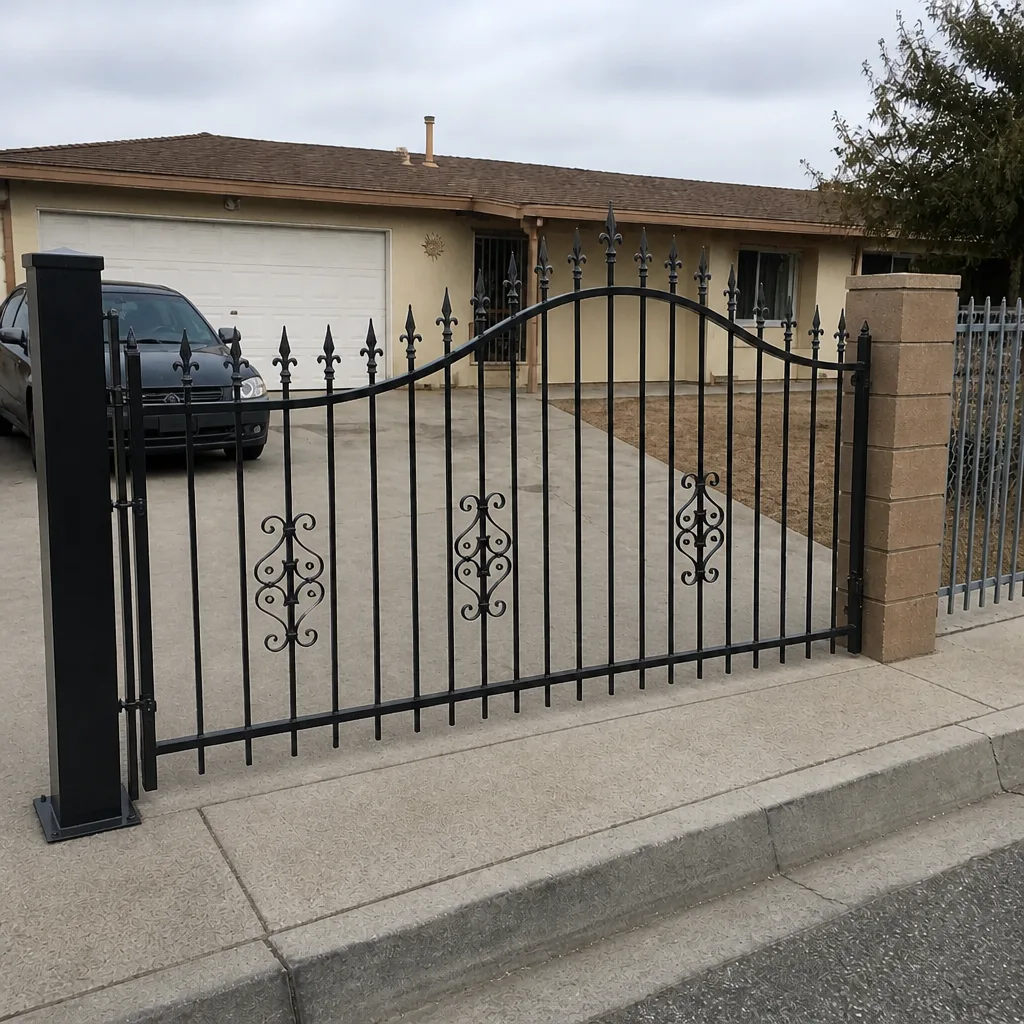
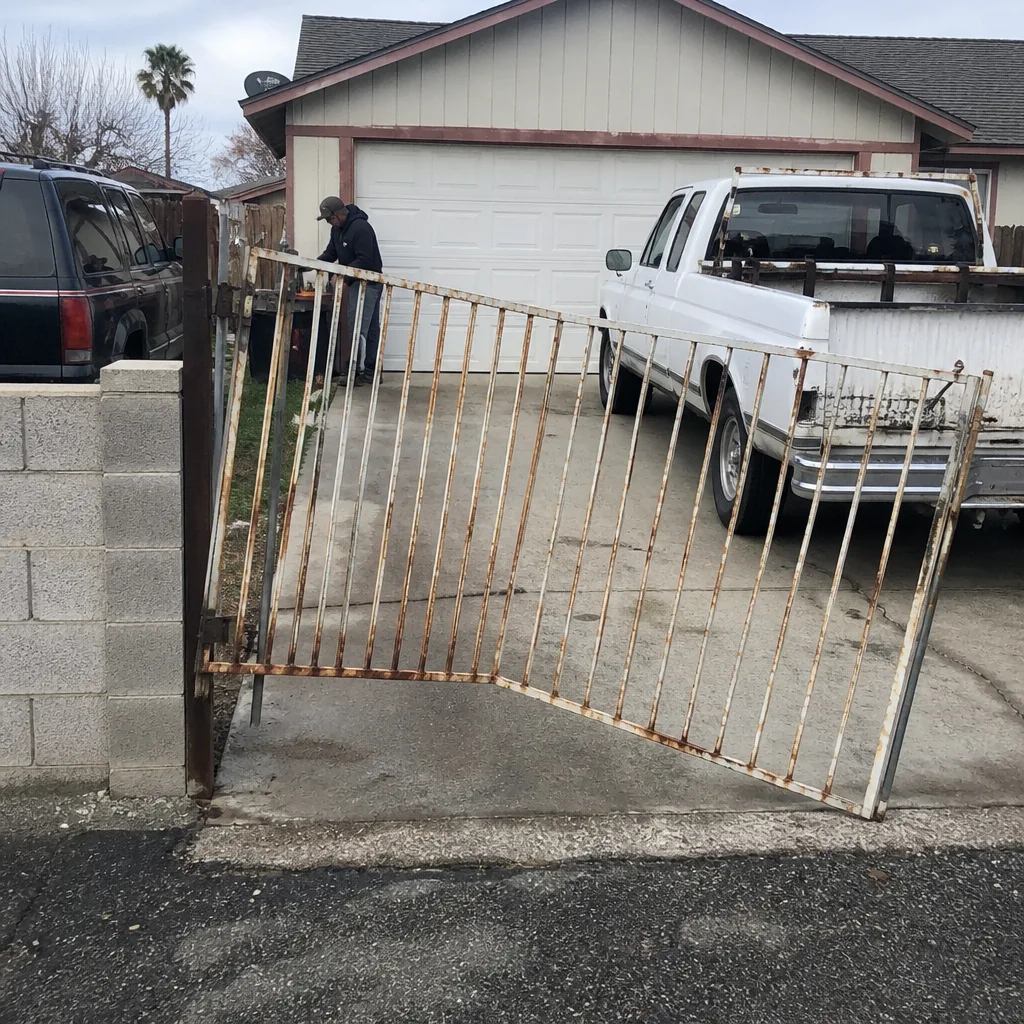
See the difference
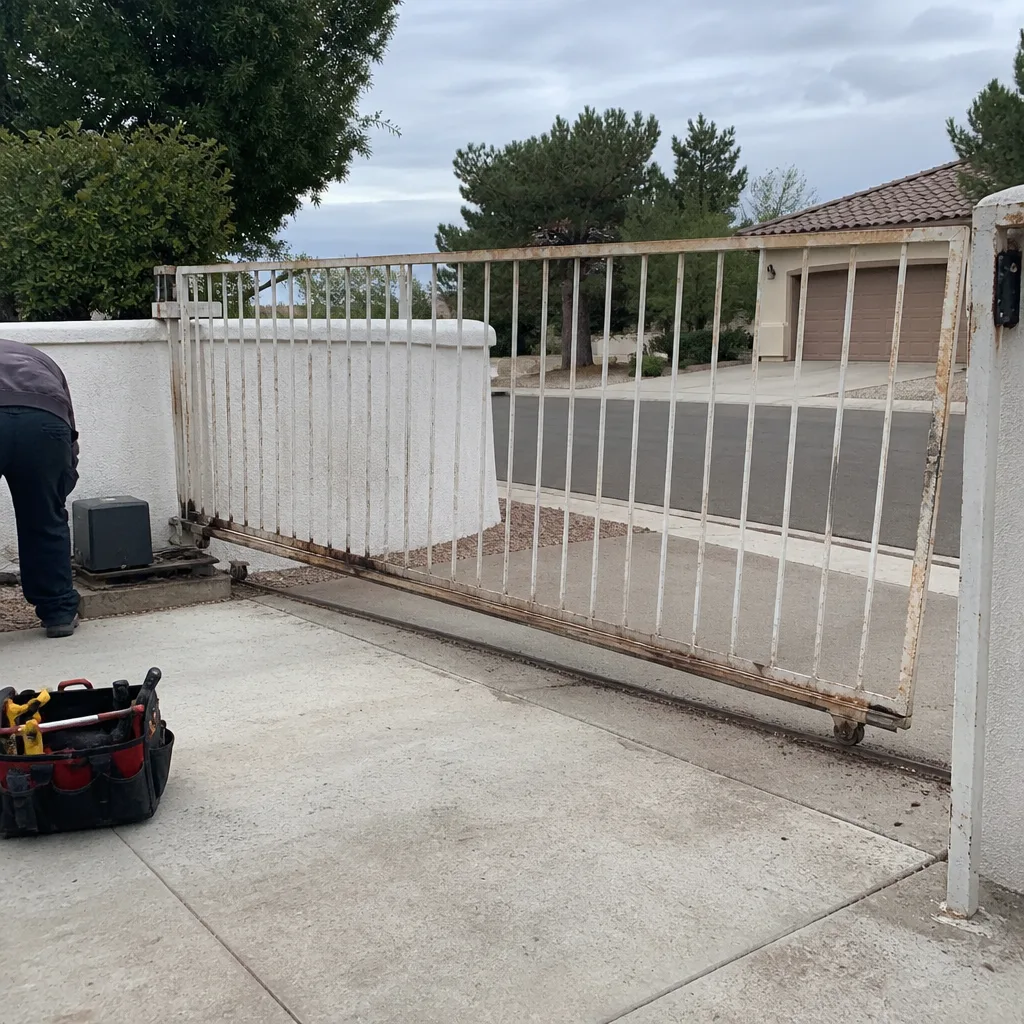 Before
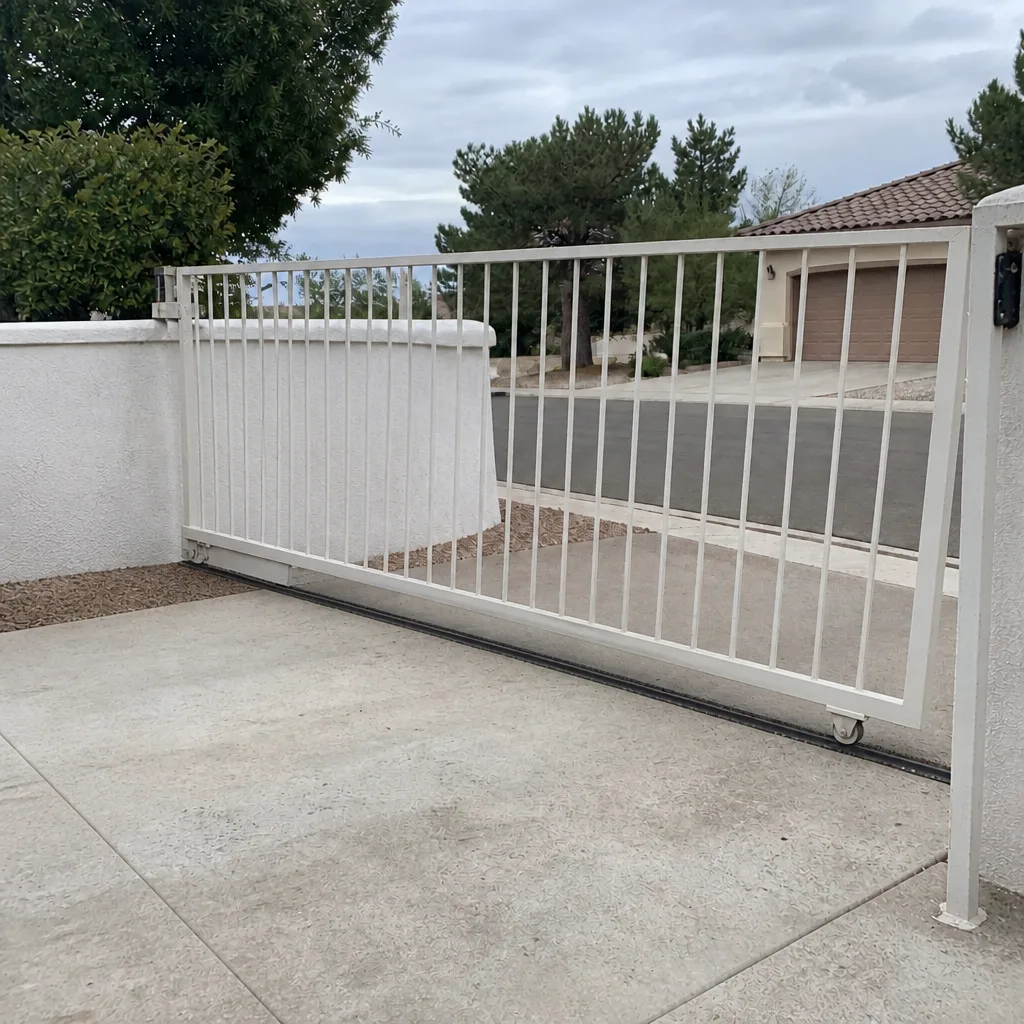 After
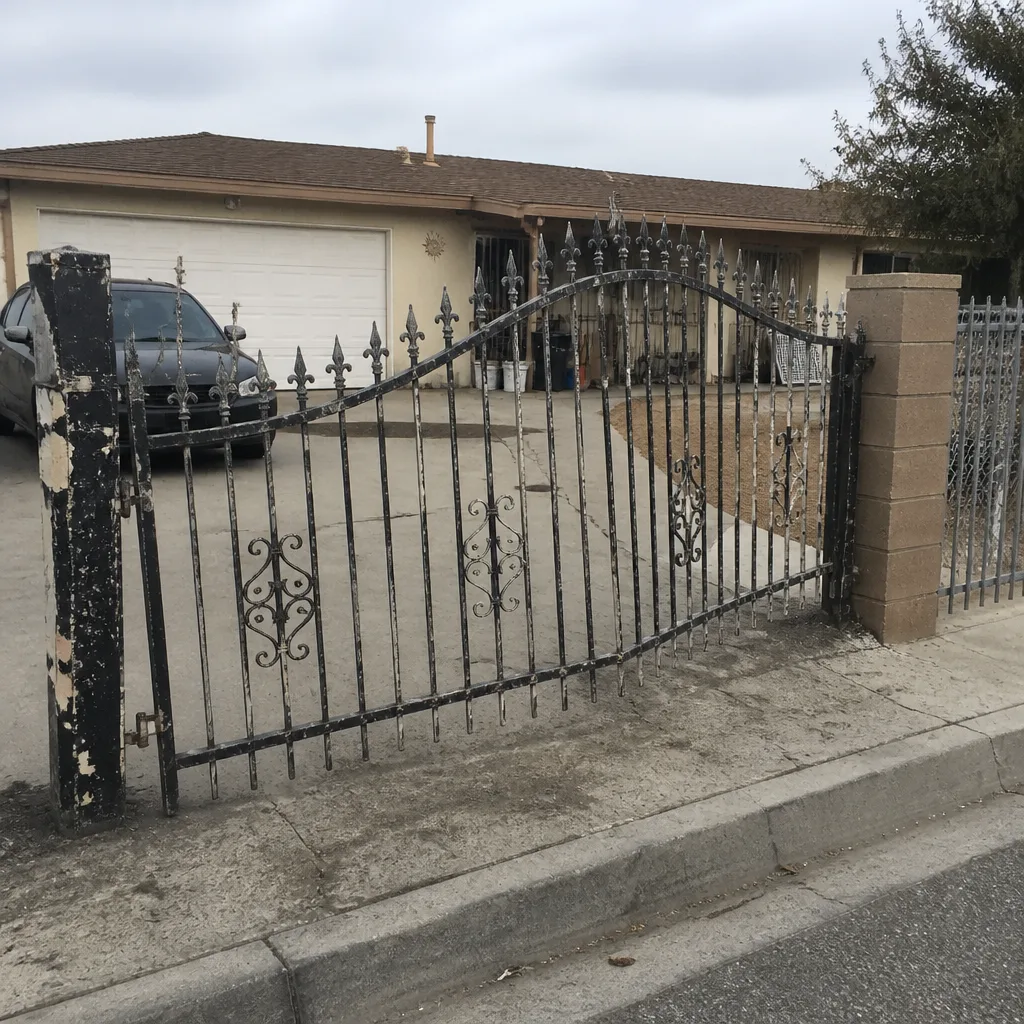 Before
 After
 Before
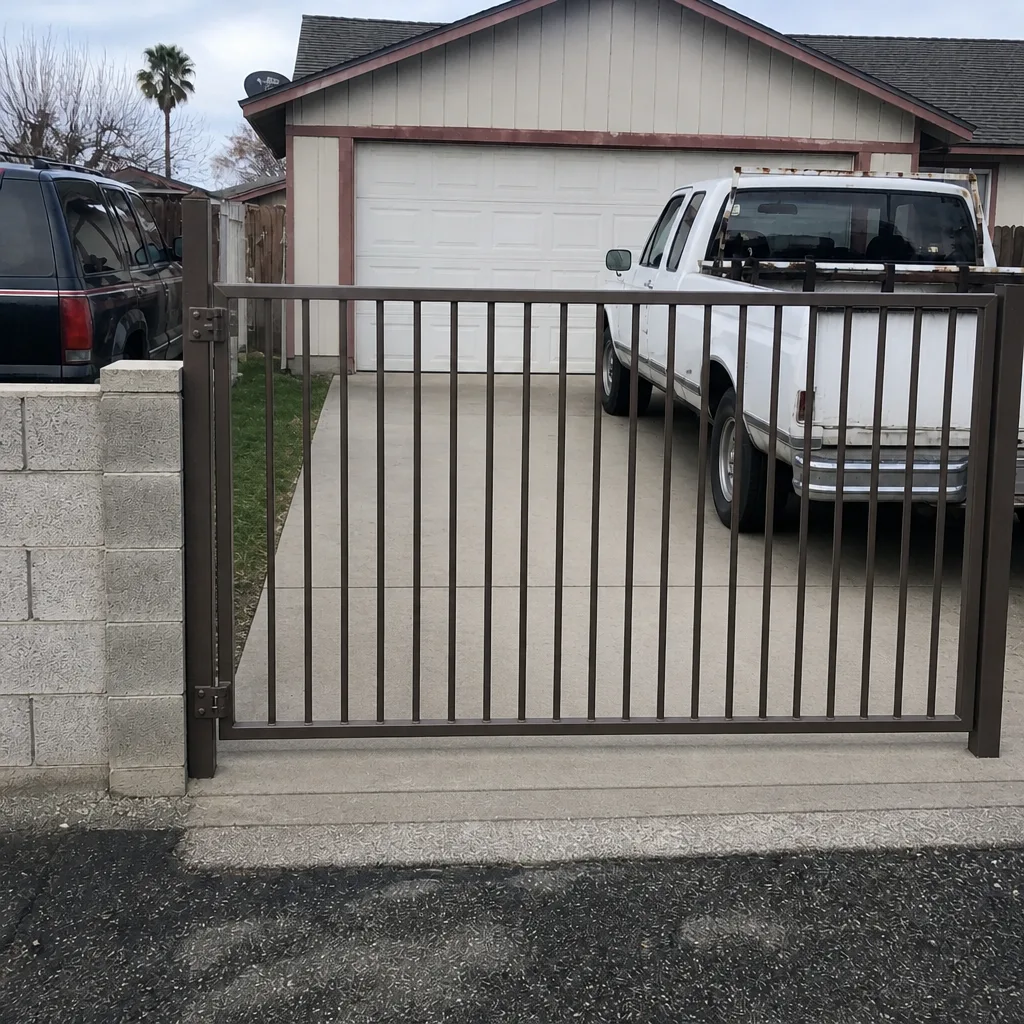 After
When to Call a Professional
Some gate problems are safe to diagnose yourself: a dead keypad battery, debris in a track, or a remote that needs a new battery. Others need a specialist. Call a professional when the gate won’t move at all and the manual release doesn’t help, when a heavy panel is off its track or sagging, when you see sparking or smell burning at the operator, when the gate behaves unpredictably around people or vehicles, or when the gate is stuck open on a property that needs securing. Electrical work on gate operators and access systems is not a DIY job. Heavy gate panels are a crush hazard, and slide gates that come off the track can fall. Gate Repair Enterprise offers free estimates in Enterprise. Call (844) 423-3067.
Frequently Asked Questions
The price is set per job by a written estimate after a technician looks at the gate. There’s no single number because a limit switch adjustment, a control board replacement, and a motor replacement are different repairs with different parts. The estimate is free, and the price is quoted and agreed before any work starts, so you know the total before we touch the gate. Call (844) 423-3067 for an exact quote, because estimates are free.
Same-day service is often possible for repair calls in Enterprise. We answer 24/7, and fast dispatch runs from 7am to 7pm, Sunday through Friday. A call outside dispatch hours is booked into the next opening. Call (844) 423-3067 to get on the schedule.
Almost certainly not. A gate that reverses mid-travel usually has a sensor misalignment, an obstruction in the safety beam, or a limit switch set too far in. The motor is doing its job; something is telling it to reverse. Cleaning and realigning the sensors resolves a large share of these. If it doesn’t, a technician can check the limits and the control board. Call (844) 423-3067 for an exact diagnosis.
Desert heat expands aluminum tracks, affects hydraulic operators, and stresses control boards. A gate that binds or reverses only in the afternoon heat is often showing heat-related movement rather than a component failure. Note when it happens and mention it when you call, because the pattern points straight at the cause. Call (844) 423-3067 to schedule a look.
We work on LiftMaster, FAAC, BFT, Linear, Viking, Ghost Controls, DoorKing, Elite, and Mighty Mule. Our technicians are fluent in the quirks of each system, so you’re not likely to be told “we don’t work on that brand.” For a brand not on the list, call and we’ll tell you honestly. Call (844) 423-3067.
Repair is usually the right call when the gate leaf, posts, and operator are structurally sound and the problem is a specific component like a board, a sensor, or a limit switch. Replacement makes more sense when the gate leaf is warped or rusted through, the post is failing, or repeated repairs are adding up. A free estimate tells you which side of the line you’re on, and we handle installation too, so you don’t need a separate installer. Call (844) 423-3067.
The Bottom Line
Gate troubleshooting starts with the symptom, not the motor. A gate that reverses mid-cycle is usually a sensor or limit issue. A gate that won’t move at all points to power, the control board, or a safety circuit. A gate that grinds is mechanical. Read the signature, run the manual-release test, and note whether heat changes the behavior. In Enterprise, heat is its own category. Know which failures can wait and which are emergencies, and avoid adjusting limits or lifting heavy panels on your own. Our technicians have up to 8 years of experience diagnosing these systems at the source.
Whether you’re in the middle of a stuck gate or planning a repair, Gate Repair Enterprise is here for it. Call (844) 423-3067. We answer 24/7. Fast dispatch from 7am to 7pm, Sunday through Friday. Estimates are free, and the price is quoted and agreed before any work starts.
Written by the team at Gate Repair Enterprise.